Units
Overview
Units are used to define the units of measurement that are used on products and services. You can create units and assign them to products and services.
Units list
You can access the units list by clicking on the "Settings" button in the main admin menu and then on the "Units" button.

Create a new unit
For creating a new unit, click on the "New unit" button from the overview of all units.
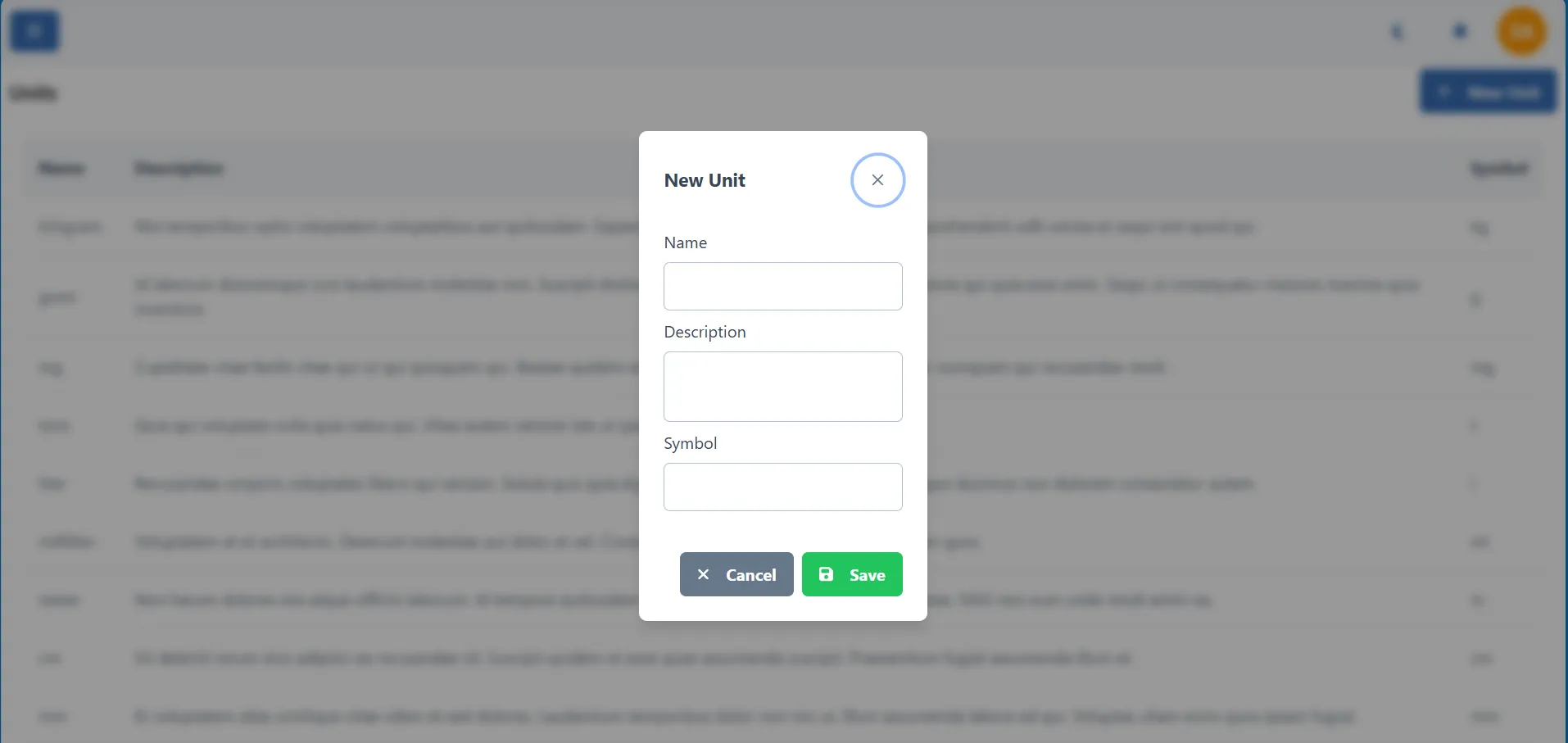
Fill in the unit details and click on the "Save" button to save the unit.
Edit unit
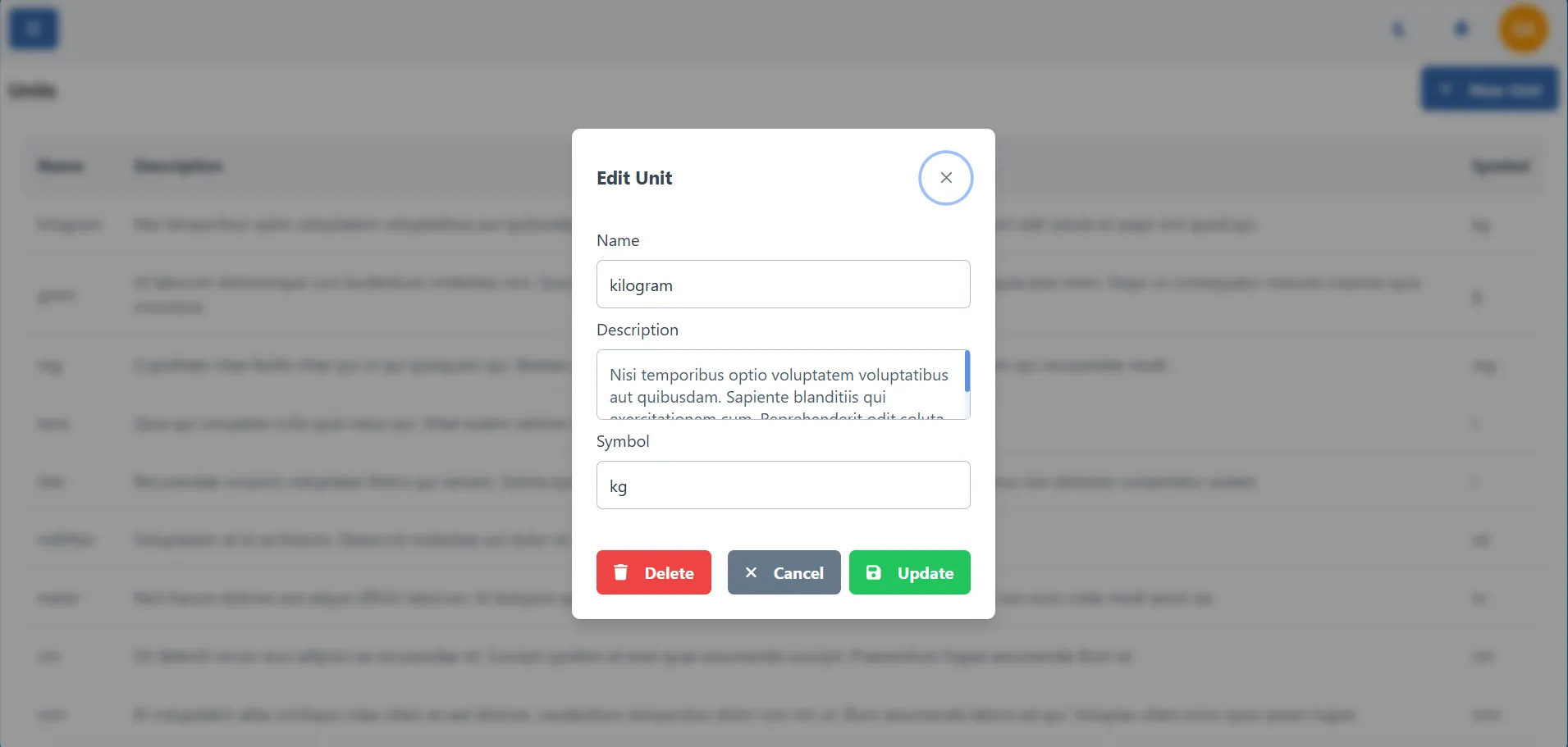
To edit a unit, double-click on the unit you want to edit in the unit table.
Delete unit
To delete a unit, double-click on the unit you want to delete in the unit table and in the dialogue that opens, click on the "Delete" button bottom left. If you delete the unit, it will be removed from the system.
When you delete a unit, all products and services that have this unit will lose it.