Departments
Overview
Departments are the organizational units of your company. You can create departments and track the status of those departments.
Department edit
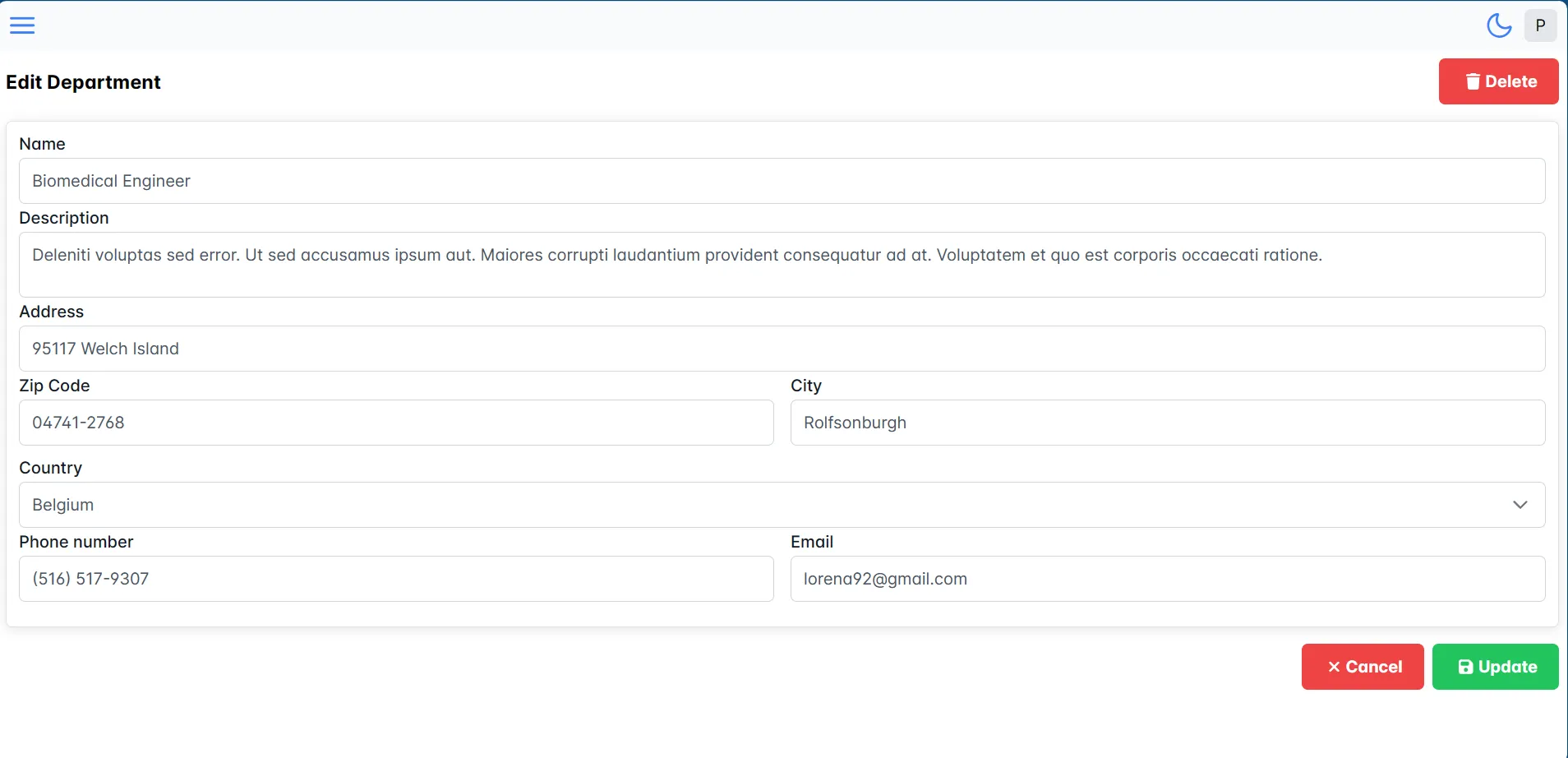
You can see the data of the department by clicking on the "Departments" button in the main menu and the department table double click on the department you want to edit or view data.
On the department form, you can enter the data of the department. You have option to delete department by clicking on the "Delete" button.
Create department
Adding a new department is simple by clicking on the "New department" button from the overview of all departments.
Delete department
Deleting a department is simple by clicking on the "Delete" button from the overview of the department.